
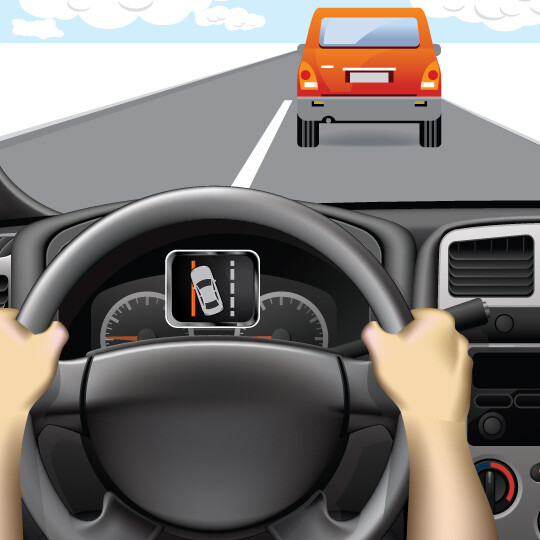
1. Stay Aware of the Warning
You may receive a warning if you drift out of your lane.
Lane departure warning systems alert you if you’re drifting out of your lane using visual, vibration or sound warnings.
WHAT IT DOES: On highways when painted road lines are clear and bright on both sides of the lane.
WHAT IT DOES NOT DO: Driving when lane lines are covered or faded.
You may receive a warning if you drift out of your lane.
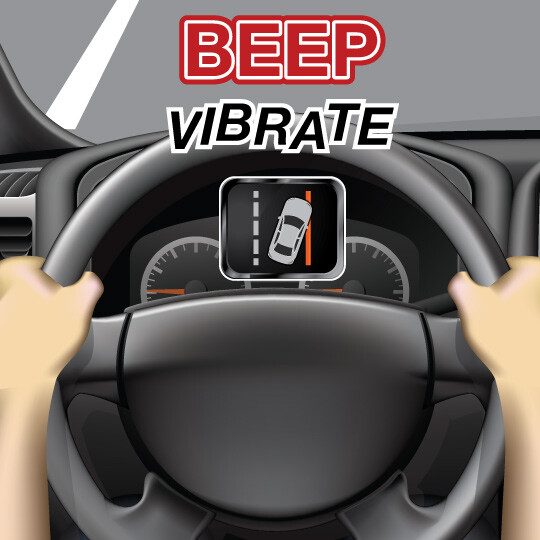
Steer back to your lane if you receive an alert.
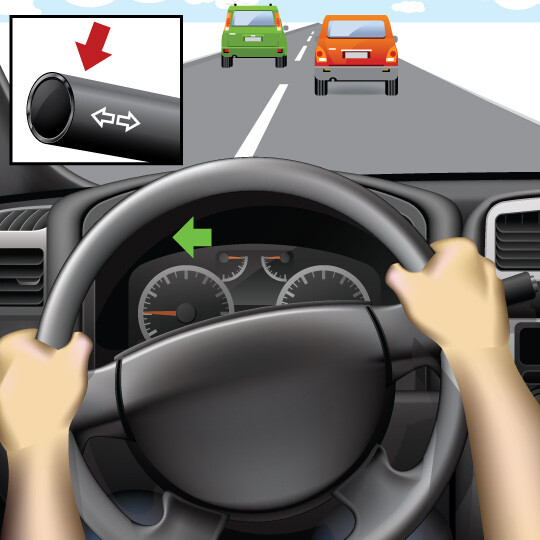
When you change lanes, use your turn signal.
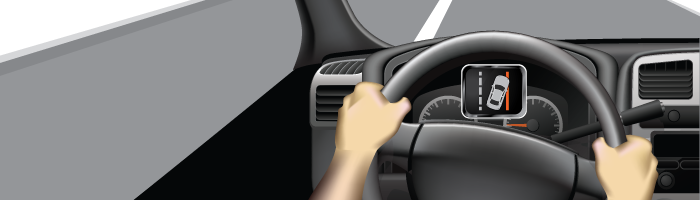
This feature can help alert you to drive back to the center of your lane if you mistakenly drift, helping to prevent you from being in a crash.
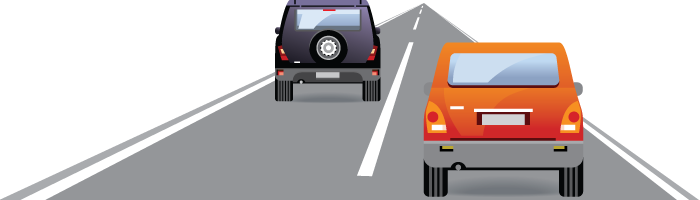
This feature relies on roadway markings to operate. It’s designed to alert you if your car begins to drift out out of a lane with one or more types of warnings.
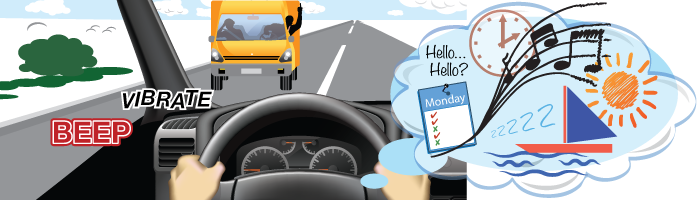
As you drive, always be aware of your surroundings and the traffic in the lanes beside you. However, if you do unintentionally begin to drift out of your lane, use this feature to help keep you within your lane. If you do drift out of your lane, you’ll receive warnings on your dashboard, hear a sound, or feel your seat or steering wheel vibrate.
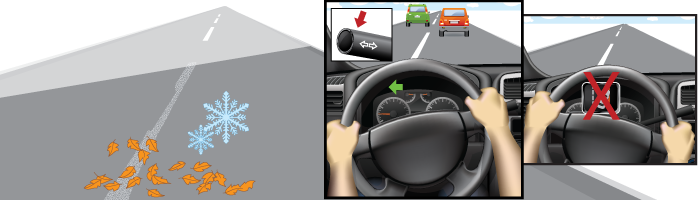
Lane departure warning systems rely on road markings to determine if you have drifted out of your lane. If there are no lane markings present, this system may not be able to determine your lane position.
Additionally, if the lane markings are fully or partially covered by snow, leaves, fog or debris, the system may not alert you if it can’t read the markings. Check your owner’s manual or with your dealership for more information on how your feature may function during adverse weather conditions.
Lane departure warning systems work best with highway driving where the roads are mostly straight.
Content Source: MyCarDoesWhat.org
Alerts you to the position of objects around your car as you park.
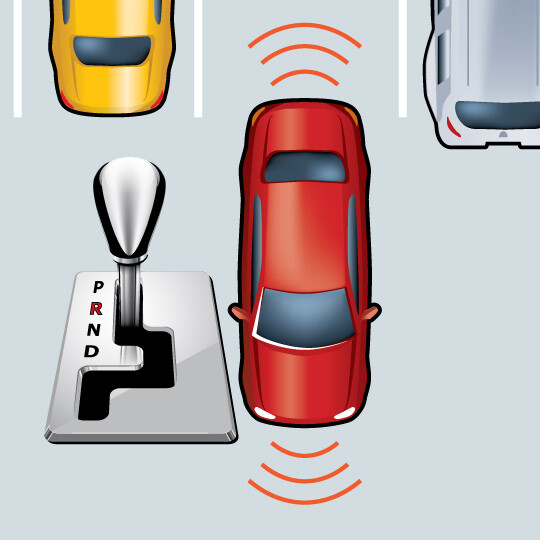
Shift into reverse to activate the front and rear parking sensors.
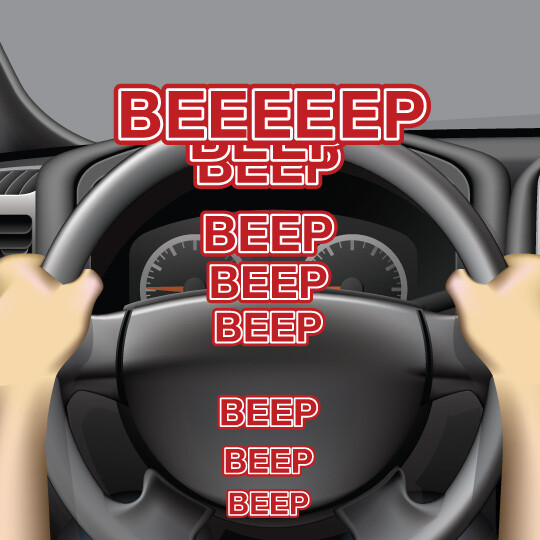
Listen for the speed of the warning sounds – a constant tone means you are close to an object.
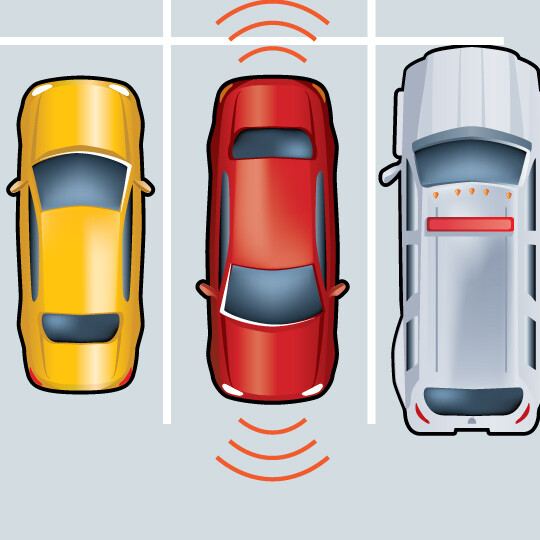
Visually confirm your car is clear and park.
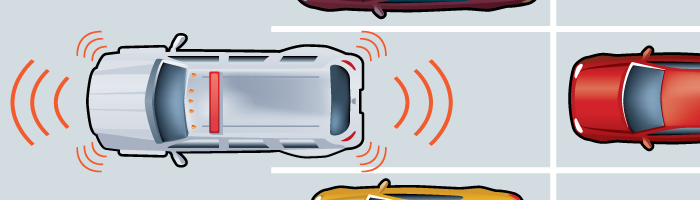
This feature can detect objects in front and back of a car while parking, providing audible alerts if one or more objects are detected.
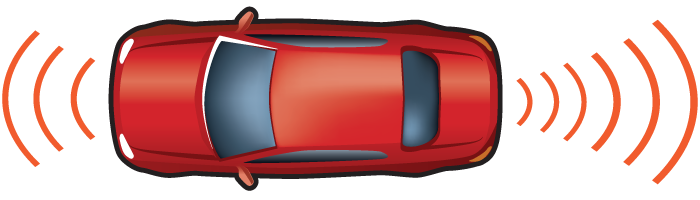
Ultrasonic sensors in the front and back bumpers of the car can detect objects. In most cars, the front sensors can detect objects up to four feet and the back sensors can detect objects up to eight feet.
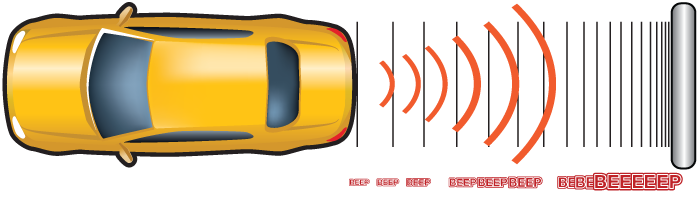
When using this feature, listen for any audible warnings that there are objects in front or behind you as you are parking. The intervals between beeps become shorter the closer the car is to an object. Here are what the beeps mean:
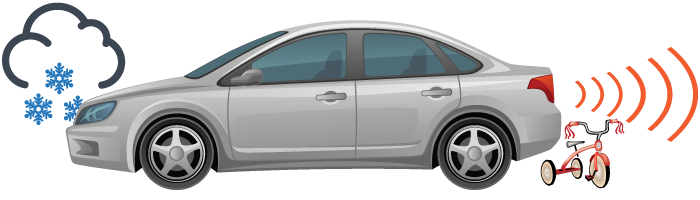
No, this feature is not designed to park your car for you. You are in full control of your car during parking maneuvers when using this feature.
This feature’s advanced sensors are meant to detect the immediate area surrounding a car to help you park. However, they may not be able to detect objects further away within your backing path, so you shouldn’t rely on this feature to help you back out of driveway or parking spot. This feature also is not capable to detecting cars or other moving objects about to enter your backing path – this is a task that is better suited for a feature such as rear cross traffic alert.
Content Source: MyCarDoesWhat.org
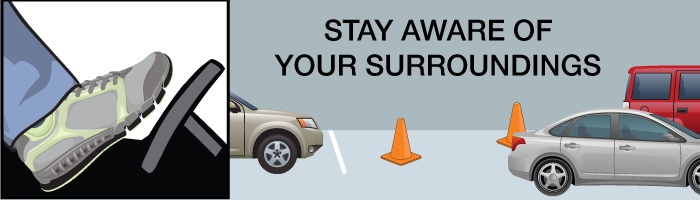
Helps guide you into a parallel parking spot after searching and finding a viable option. You still are responsible for braking and monitoring your environment.
WHAT IT DOES: Automatically steers the car into a parking space.
WHAT IT DOES NOT DO: Brake or automatically shift gears
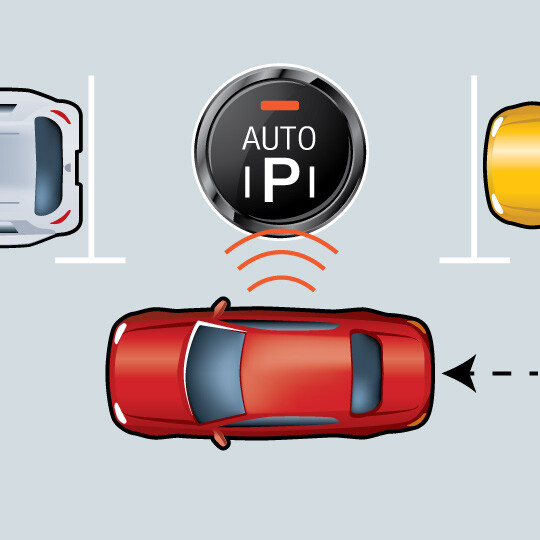
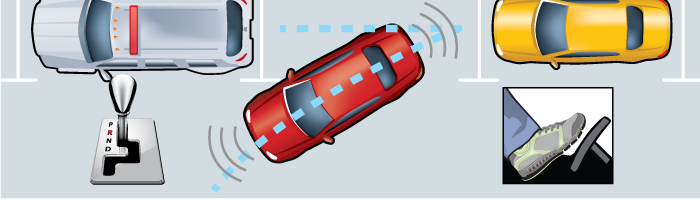
Press the park button, find a parking space and pull forward until it notifies you that it has found a spot.

Shift into reverse, release the brake slightly, and release the steering wheel.
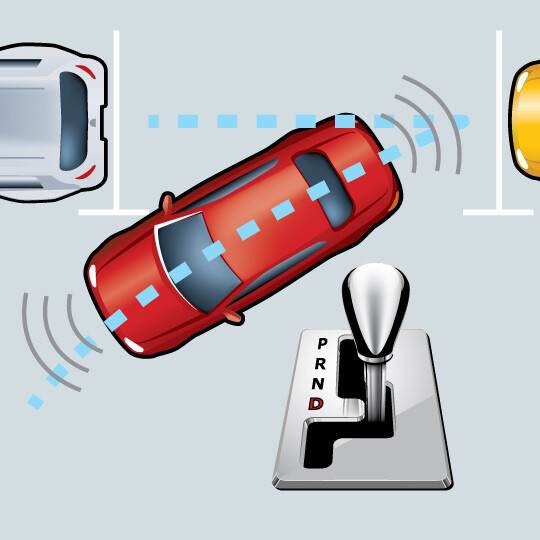
Automatic parallel parking takes over and directs you when to shift into drive. Remember: You are responsible for braking with this feature.
This feature can detect objects in front and back of a car while parking, providing audible alerts if one or more objects are detected.
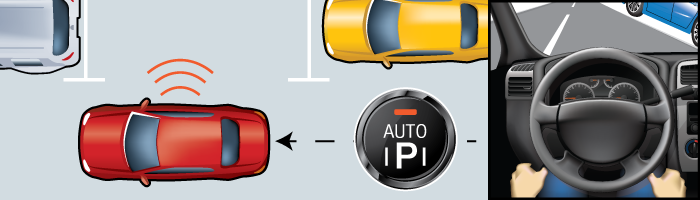
Advanced sensors read the gaps between cars in the area where you want to park. The feature won’t activate if there isn’t sufficient room to parallel park, which helps ensure that the car won’t bump into any nearby cars. When activated, this feature can then take over some of the vehicle’s steering and acceleration functions needed to park.
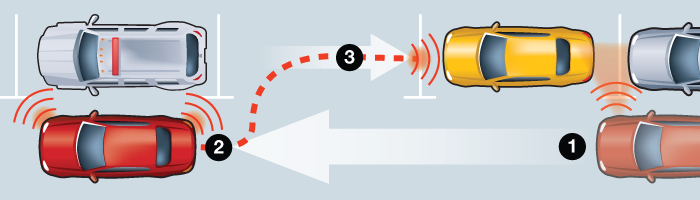
Some versions of automatic parking assisting features may be able to assist with perpendicular (straight-in) parking spots. Check your owner’s manual or with the technology provider for more information about your unique system’s features.
First, this feature will not allow you to activate it if a parking space does not have enough space to allow the feature to park your car. Second, when functioning properly, this feature is designed to not make contact with a car in front or behind your car as it maneuvers into the spot
This depends greatly on the version of the automatic parallel parking feature you are using. Some features are designed so that it needs to be able to detect a curb before it will allow you to activate it. Other features are nearly exclusively reliant on the space between the two cars in which you want to parallel park, and not the presence of a curb.
Content Source: MyCarDoesWhat.org
Warns you if one or more vehicles are about to enter your backing path.
WHAT IT DOES: Can detect cars that might be crossing as you back up.
WHAT IT DOES NOT DO: May not detect cars behind you when parking spaces are angled; may not detect pedestrians.
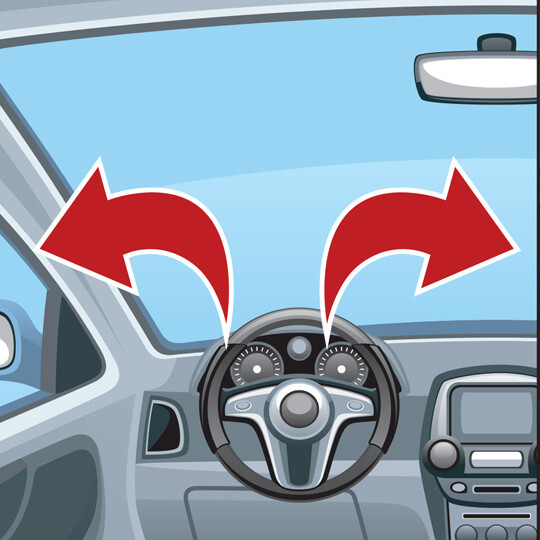
Before backing, look over both shoulders and check the mirror.
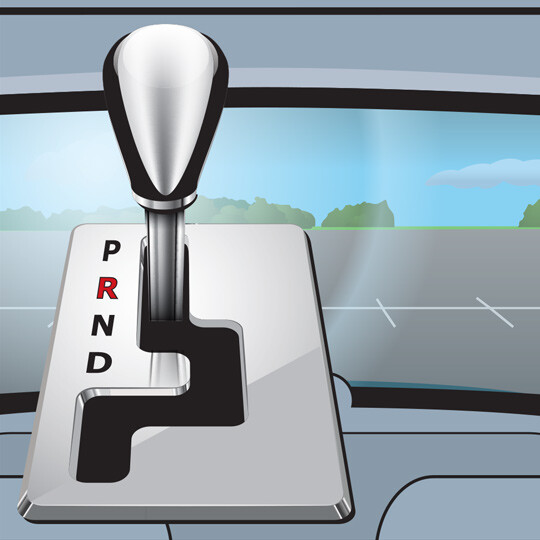
Put your car into reverse while holding the brake.
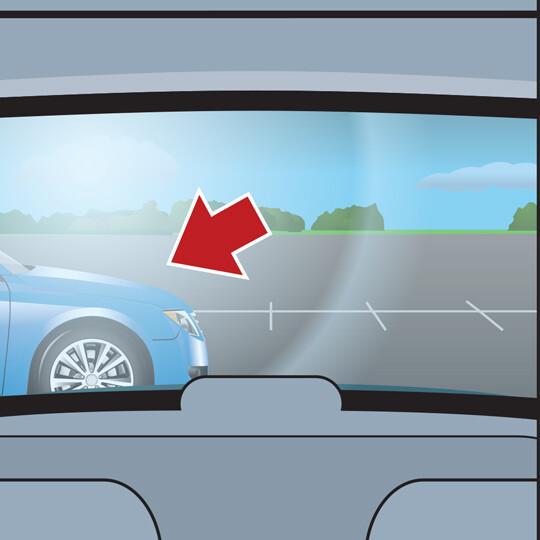
If a vehicle is entering your backing path, a tone and flashing light on your mirror or dashboard may alert you to stop. If so, apply the brake – there may be a car crossing behind you.
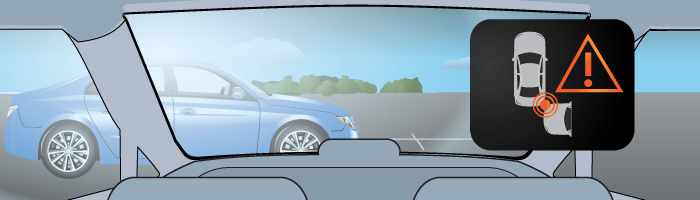
Rear cross traffic alert is designed to warn you of cars that are entering your backing path. You may not be able to see these cars as quickly as your rear cross traffic alert system can on a road or in a parking lot.
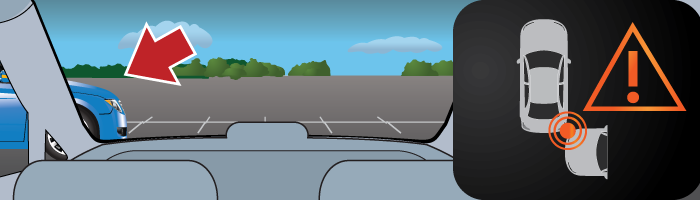
Sensors around the rear of the car detect vehicles approaching from the left and right. A warning tone and flashing light on the mirrors or dashboard alert the driver to stop.
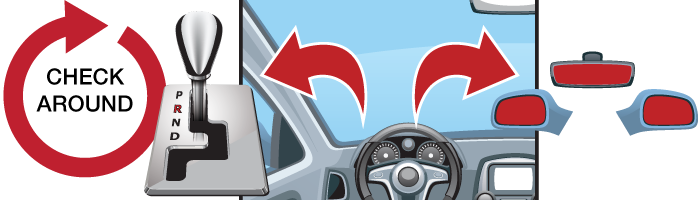
These systems only work when you are backing straight out of a space or driveway. They don’t work in angled parking spots.
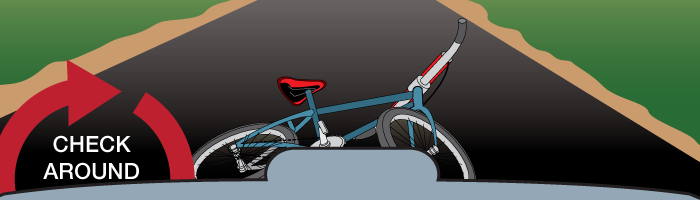
Drivers should understand that rear cross traffic alert and other similar backing aids should not be relied on completely. Drivers should always physically check behind the car before backing, as well as turn their heads and check that it’s safe as they begin to back up.
Rear cross traffic alert also does not typically work in angled parking spaces. They only work if your car is parked straight in to a spot.
At this time, not directly. By May 2018, all new vehicles weighing less than 10,000 pounds – including buses and trucks – will need to be equipped with a back-up camera. The federal rule behind the mandate does not specify that cars need to have rear cross traffic alert as well.
However, manufacturers often pair rear cross traffic alert with back-up cameras, so the rule may end up increasing the popularity of rear cross traffic alert features in the near future.
Rear cross traffic alert is most useful when backing out of a driveway that might be obscured by bushes, fences or another car. It also is useful when backing out of a parking space where the driver cannot see cars that may be coming from the left or right.
Content Source: MyCarDoesWhat.org
Alerts you of objects behind your car as you back out of spaces like driveways or parking spots.
WHAT IT DOES: Uses rear sensors to scan for objects behind your car and alerts you if one is detected.
WHAT IT DOES NOT DO: Will NOT always detect moving objects.
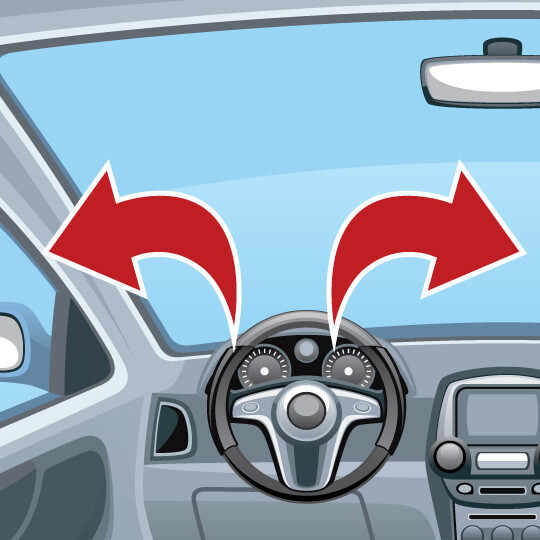
Before backing out of a parking spot, look over both shoulders and check your mirrors.
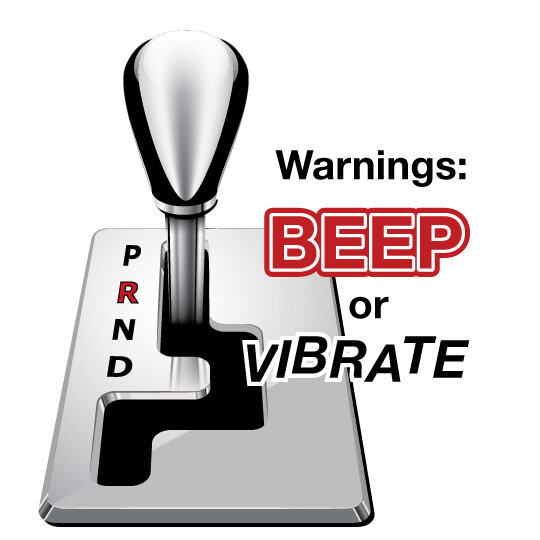
If you feel or hear a warning, there may be an object in your backing path.
Turn and check to be sure it’s safe before backing.
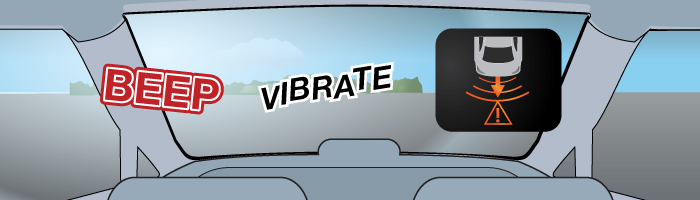
The back-up warning feature scans behind your car when you shift into reverse. It will let you know – through a sound, vibration, or a mix – if there’s an object or car directly behind you.
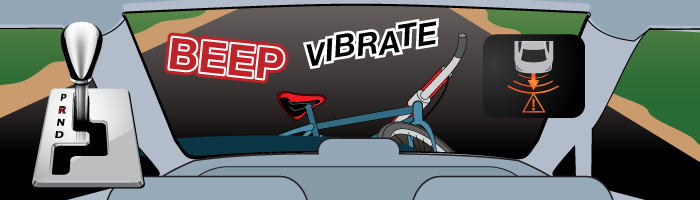
When the vehicle is in reverse, sensors mounted on the rear bumper detect objects in its path. If an object is in the way, the system may beep or vibrate.
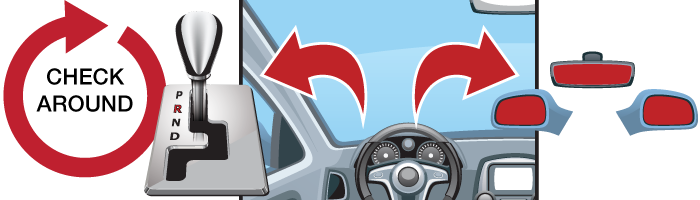
First, make sure you have physically checked behind your car before backing out. Then, shift the car into reverse while holding your brake. Check over your shoulders and look at your side and rearview mirrors for any people, animals and objects. Then, back slowly, and stop if your back-up warning activates.
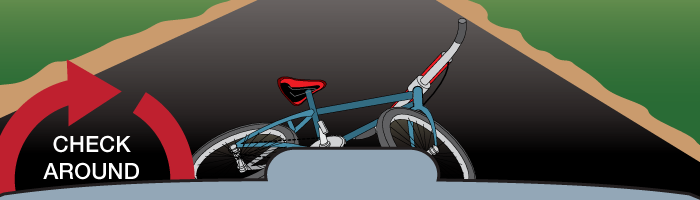
Always be sure that you’ve physically checked behind the car before backing out of spaces like driveways or parking spots. There are some objects that back-up warning sensors may not detect, especially if they’re located partially under the car.
Drivers need to understand that back-up warnings should not be relied on completely. Drivers should always turn their heads and check that it’s safe before backing up.
Additionally, drivers should always look behind their car before they enter it. According to several vehicle manuals, most back-up warning features will not detect small objects below the bumper or flat objects on the ground directly behind the car.
At this time, not directly. By May 2018, all new vehicles weighing less than 10,000 pounds – including buses and trucks – will need to be equipped with rear visibility systems. This rule most directly applies to back-up cameras, and don’t specify that cars also should have back-up warning systems. However, manufacturers often pair back-up warning features with back-up cameras, so the rule may end up increasing the amount of back-up warning systems in cars in the future.
Unintentional back-overs cause approximately 210 fatalities and 15,000 injuries each year, according to the National Highway Traffic Safety Administration (NHTSA). NHTSA expects rear view visibility systems that meet standards to be 28 to 33 percent more effective at avoiding back-over crashes.
Content Source: MyCarDoesWhat.org
Back-up cameras help you see objects directly behind you while backing. Remember to always look over your shoulder and in your mirrors as you back up.
WHAT IT DOES: Shows a wide view behind your car while in reverse, even at night.
WHAT IT DOES NOT DO: View may not be clear if lens is obscured by snow, dirt or direct sunlight.
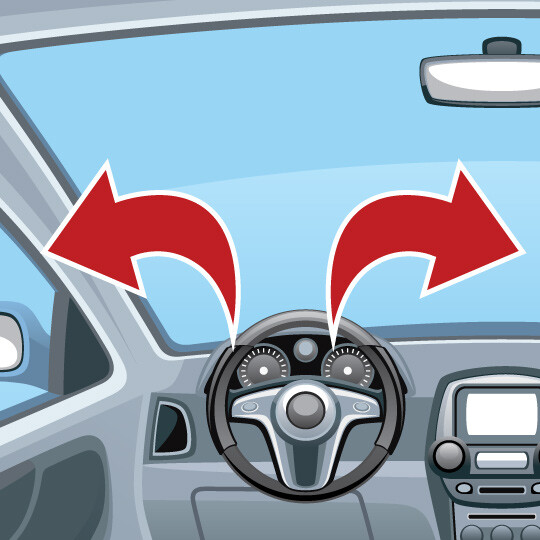
Check behind you by looking over your shoulders and using your mirrors.
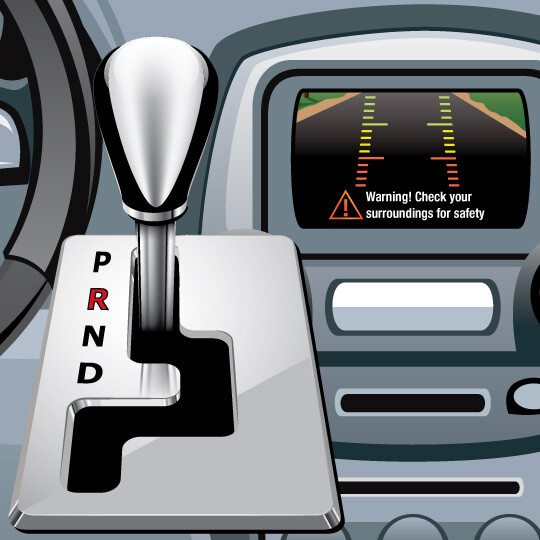
Shift your car into reverse to activate the back-up camera.
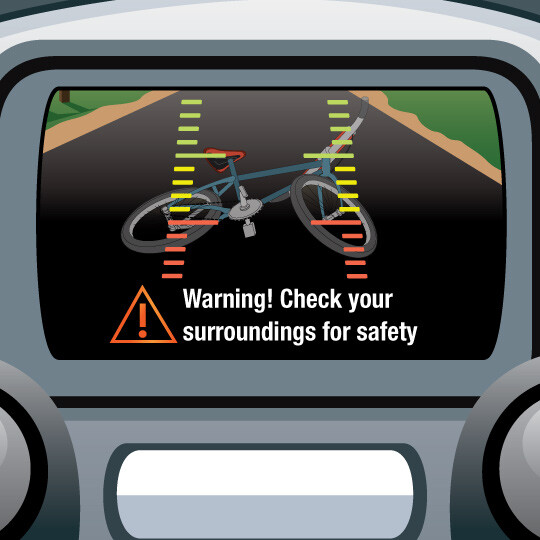
As you back up, check the monitor for objects while also staying aware your surroundings.
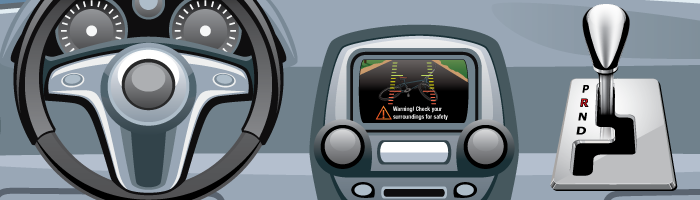
After you shift into reverse, the back-up camera activates to show you what is behind your car. Depending on your vehicle, the display screen may be found on the center console, in your rearview mirror or even in your sun visor.
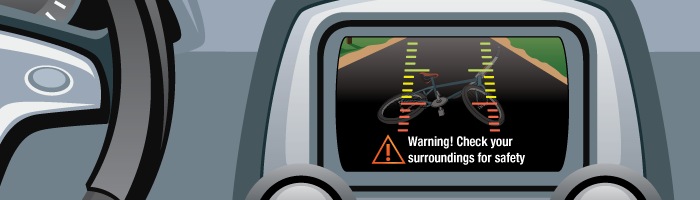
A camera, usually mounted on the rear of your vehicle, shows a view of the area behind you. Some systems incorporate lines to show you your backing path in the display.
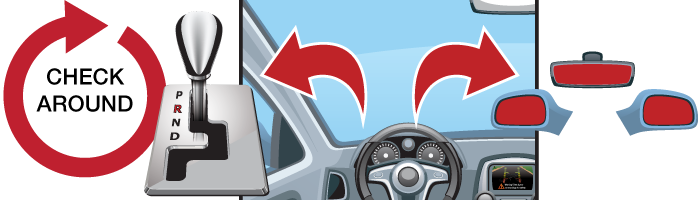
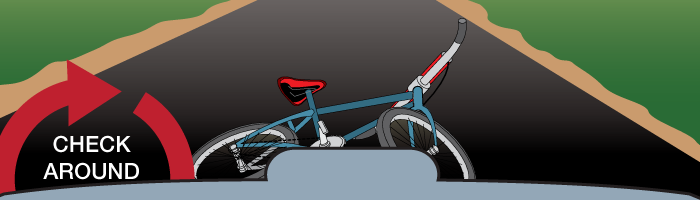
Always be sure that you’ve physically checked behind the car before backing out of a driveway or parking spot. There are some objects that the back-up camera may not detect, especially if they are close to the ground or under the car.
Other common names for this feature are “rearview camera,” “rear visibility system” and “wireless back-up camera.”
While many new cars today have them, by 2018, the federal government is requiring that all vehicles are equipped with a rear-view camera.
Unintentional back-overs cause approximately 210 fatalities and 15,000 injuries each year, many involving infants or children, according to the National Highway Traffic Safety Administration. Camera systems have been shown to be more effective than simple sensors systems that beep when an object is detected.
In many cases, yes. Your dealer may be able to install one for you, or you may be able to purchase a system from an auto parts store that you can install yourself.
Content Source: MyCarDoesWhat.org
This feature may alert you if you’re drowsy and suggest you take a break when it’s safe to do so.
WHAT IT DOES: A coffee cup or other symbol appears on your dash suggesting you take a break.
WHAT IT DOES NOT DO: This system will not necessarily steer you back into your lane.
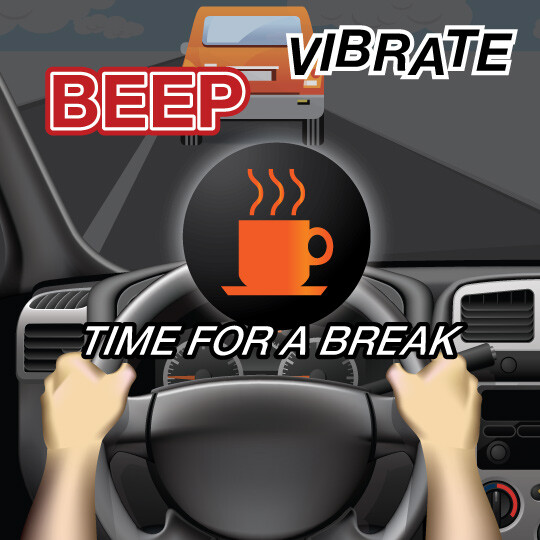
If driving in and out of your lane, the feature will alert you with a sound, visual warning or vibration.
Always drive alert and get plenty of rest.
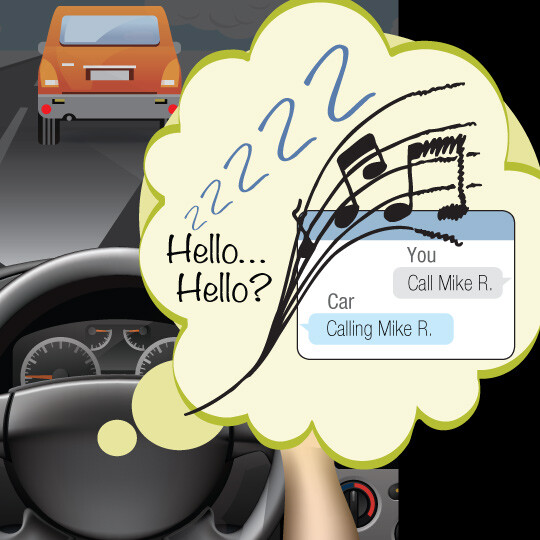
Remember: Don’t drive distracted.
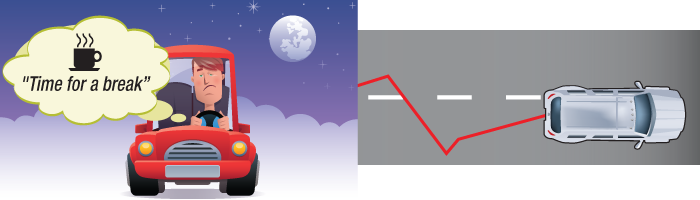
This feature can detect drowsy driving and alert you to take a break if it suspects you’re drowsy. Common versions of this feature do this by tracking how often you depart from the center of your lane over a set period of time.
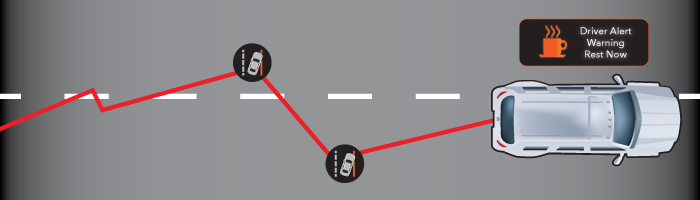
This feature borrows some of the sensors from lane departure warning systems to track lane markings and your car’s position in your lane. Many versions of drowsiness alert features will track how often you depart from your lane over a short period of time to determine if you may be drowsy.
More advanced versions can “learn” what your normal driving patterns are when you aren’t drowsy. If you then begin to drive unusually – such as making many sudden maneuvers or stops – the system may suggest you may be drowsy and should take a driving break.
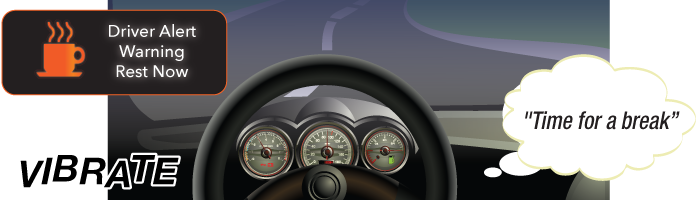
Watch, listen and feel for cues from your drowsiness alert system that you may have become drowsy behind-the-wheel.
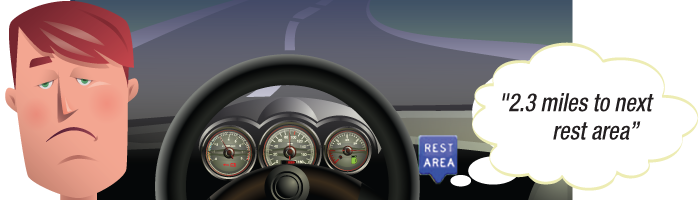
Such a capability does exist, but only for certain versions of drowsiness alert. Those versions use a camera near the steering wheel to detect drowsiness by tracking head bobs and drooping eyelids. This capability is expected to become more popular as this feature evolves.
Most current versions of this feature that rely on tracking lane behavior cannot determine if a driver is drowsy right away. Typically, a driver must drift from the center of the lane a set number of times before the drowsiness alert activates. Check your owner’s manual or with the manufacturer of your particular drowsiness alert feature for more information on when and how it activates.
Content Source: MyCarDoesWhat.org
Simplifies turning your car on and off using a key fob unique to you.
WHAT IT DOES:Makes it easy to turn your car on and off.
WHAT IT DOES NOT DO:Start your engine if the brake is not applied or the gear is not in park.
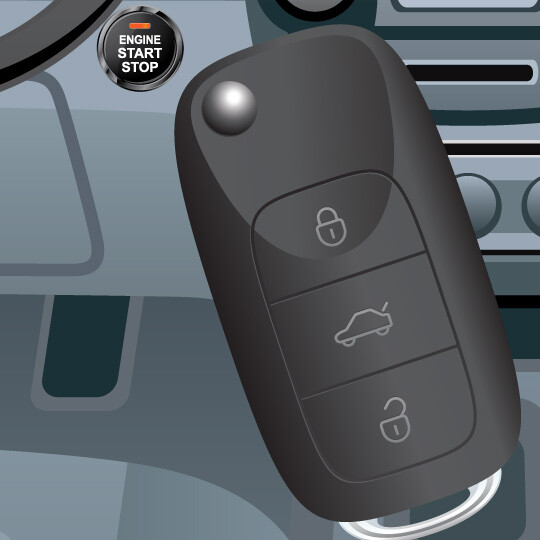
Make sure the key fob is inside the vehicle with you.
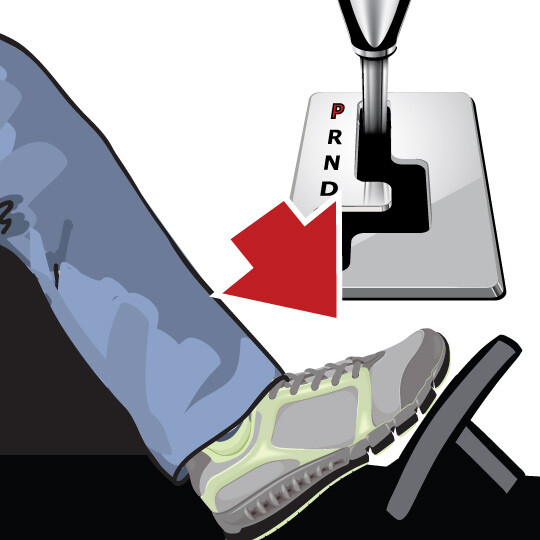
Step on and hold the brake.
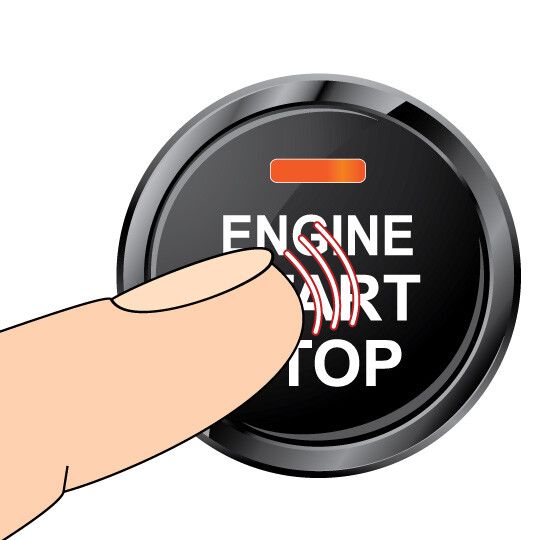
Push and hold the engine start button until the engine starts or shuts off.
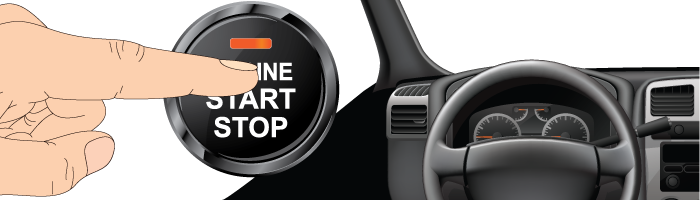
This feature simplifies turning the car on and off – it’s really as simple as pressing and holding a button.
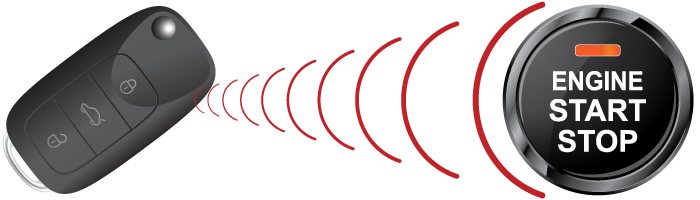
This feature uses a unique signal from a key fob to activate only when your key fob is on or within a few feet of you. Only the signal from your key fob will allow you to turn on your car with a push button start.
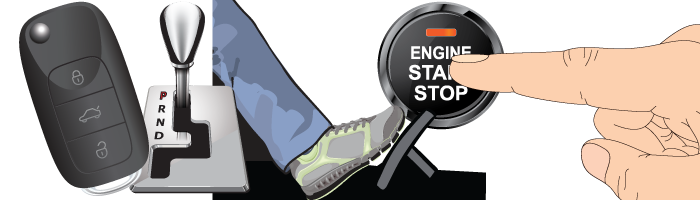
After you get into the car, you should apply the brake then press and hold the engine start/stop button until your engine turns on. To turn off your car, make sure your car is in the parked gear, then press the engine start/stop button until the engine shuts off completely. You may also want to apply the parking brake.
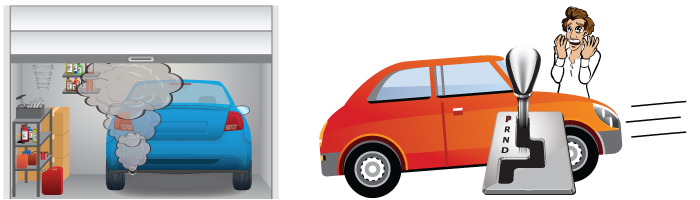
Push button start provides superior car theft protection compared with keyed ignition.
Push button start is designed to work similarly to using a traditional key ignition; you can turn on specific features by quickly pressing your push button start without holding it and without your foot on the brake. Check your owner’s manual for information on how many pushes activate which features of the car.
One can think of push button start like this. With each press of the button, it’s like turning an ignition key one position at a time. With the foot off the brake, one touch turns on the radio. Another touch turns on the dash and other accessories. Push it again and everything turns off.
Content Source: MyCarDoesWhat.org
Helps prevent roll-back when starting up again from a stopped position on an incline.
WHAT IT DOES:Assists in keeping a car from rolling backward when stopped on a hill.
WHAT IT DOES NOT DO:Manage a car’s speed going up a hill.
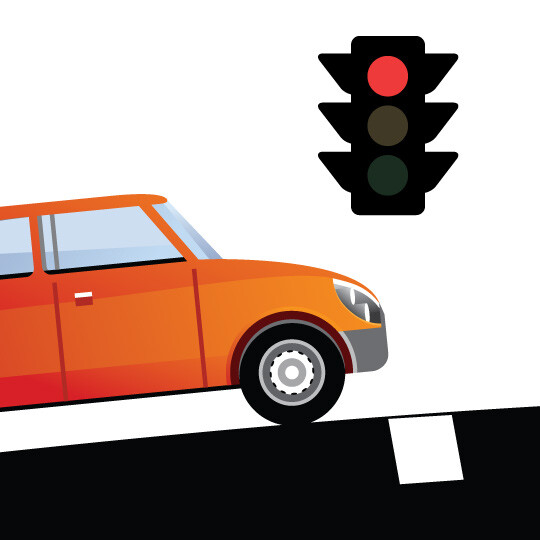
Come to a complete stop on an incline, such as a hill.
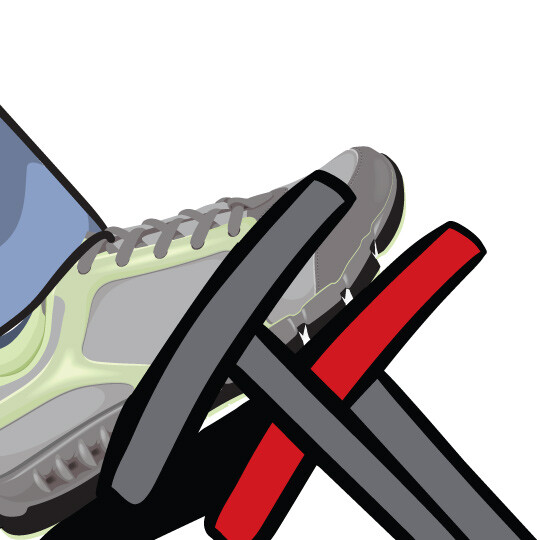
Continue to hold the brake as you remain stopped.
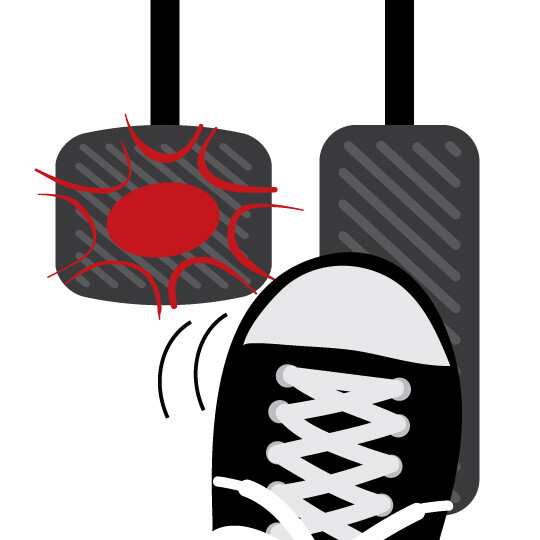
Hill start assist holds the brake for you while you switch your foot away from the brake pedal to begin driving again.
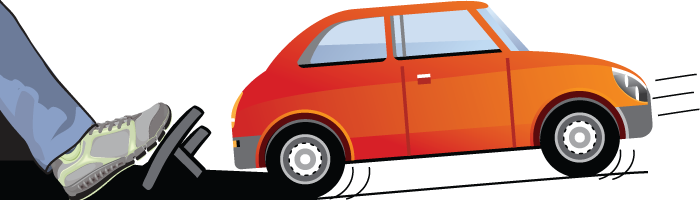
This feature can prevent rollback on an incline by holding the brakes while you switch between the brake and acceleration pedals. Some versions can also prevent your car from rolling forward on a decline.
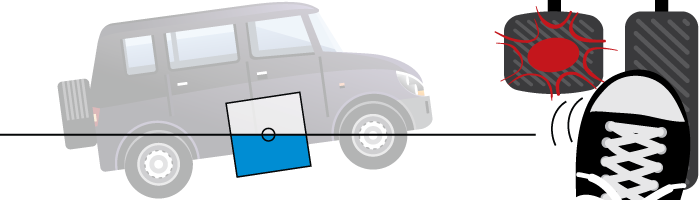
Sensors in the vehicle are used to detect when a vehicle is on an incline. The hill start assist maintains the brake pressure for a set period of time as you switch from the brakes to the gas pedal. Once you press the accelerator, it releases the brake. In cars with manual transmission that have this feature, the hill start assist will also maintain brake pressure until the driver lets up on the clutch.
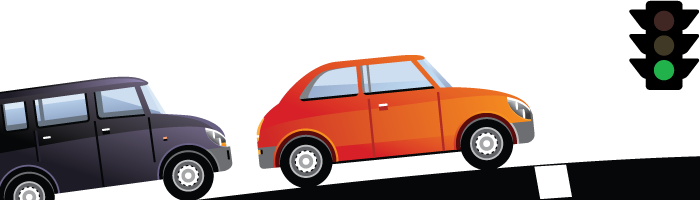
Continue to approach and drive up includes such as hills as you normally would. When stopping on an incline, such as at a stop light, hold the brake using the same pressure as you normally would. As you shift your foot away from the brake pedal momentarily, the car should remain stopped instead of rolling back slightly.
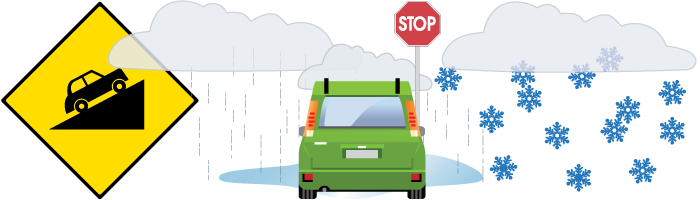
Unfortunately, no. Hill start assist is not intended to function on a hill or other incline that is so steep that you wouldn’t be able to brake on it normally.
Also, certain road surface conditions can also prevent hill start assist from stopping the vehicle on an incline; these include snowy and icy driving conditions where the car may slide once the brake is engaged.
There are some vehicles today with manual transmission that also offer hill start assist.
Content Source: MyCarDoesWhat.org
Helps keep you at a steady speed when driving down a hill or other decline.
WHAT IT DOES:Steady the car’s speed when driving down a hill.
WHAT IT DOES NOT DO:Manage a car’s speed going up a hill.
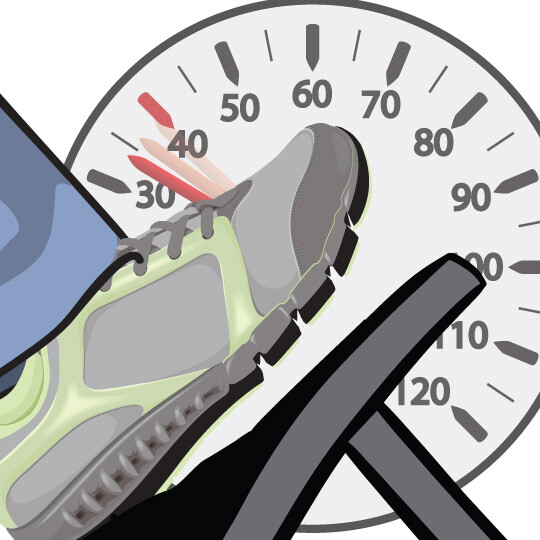
Reduce your speed before you enter a decline or uneven terrain.
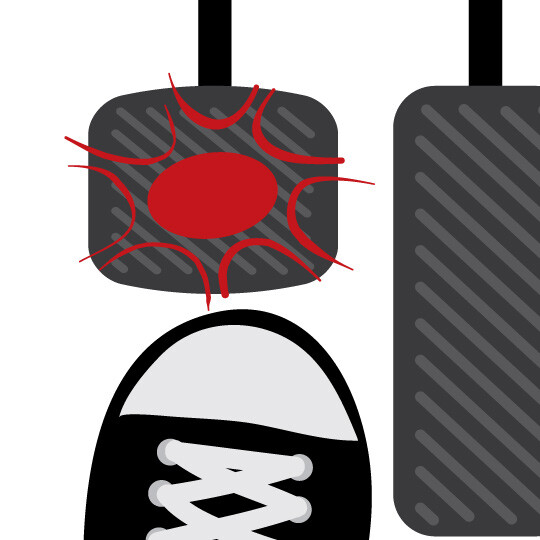
The hill descent assist helps maintain a safe speed without you needing to use the brakes.
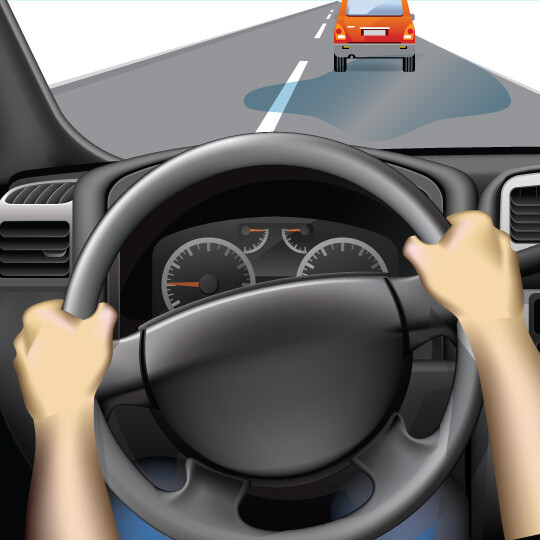
Brake or steer to safety if a hazard enters your downhill driving path.
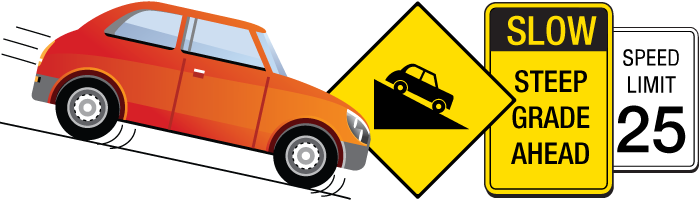
This feature keeps helps keep your vehicle at a pre-determined safe speed when traveling downhill or on very uneven terrain. This allows you to focus more on scanning the downhill path for potential hazards.
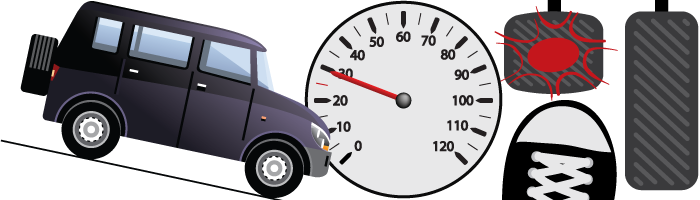
This feature works with your vehicle’s existing braking systems to block you from going past a certain speed while traveling downhill or on unsteady terrain. If your car begins accelerating past a safe downhill speed, this feature will further apply the brakes.
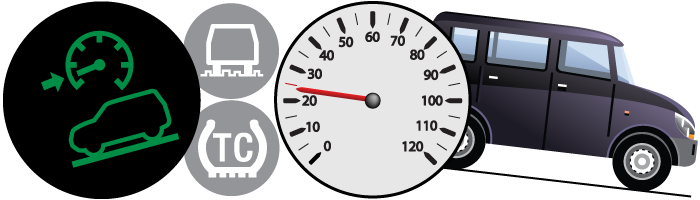
First, you need to activate your hill descent assist, which is typically found somewhere on your dashboard near your vehicle’s traction control button. Some versions may be activated from your multifunction display or in your terrain management control’s dial.
As you are about to enter a decline, reduce your speed below your feature’s activation threshold. The hill descent assist will ensure your vehicle doesn’t reach an unsafe declining speed by further applying the brakes if needed.
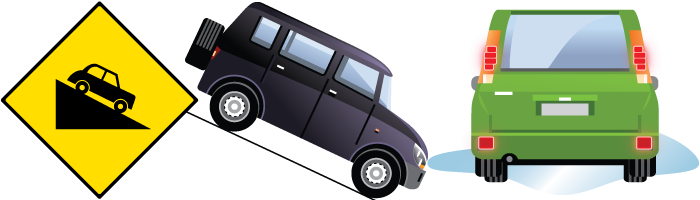
This feature is designed to prevent you from entering an unsafe speed while you travel downhill or on uneven terrain. The feature is intended to assist you in maintaining control of the vehicle, by traveling at a safe speed downhill.
Most cars differ in their allowable operating range for hill descent assist, with some allowing you to go as slow as 3 mph or as fast as 38 mph.
Some versions of this feature will operate while traveling downhill in reverse, such as reversing out of a driveway that was built on a hill. Other versions of this feature will not work in reverse, however, so check your owner’s manual or with your vehicle’s manufacturer to determine whether it can work in reverse or not.
Downhill driving can be unpredictable and dangerous – especially if it’s an extended decent, even on multi-lane roads. This feature uses the engine and transmission to “down shift” to help keep the vehicle speed under control so you don’t rely solely on the brakes. Using your brakes continually for an extended period of time may result in overheating, which could result in brake failure.
Content Source: MyCarDoesWhat.org



Warranties include 5-year/60,000 mile powertrain and 3-year/36,000 basic. All warranties and roadside assistance are limited. See retailer for warranty details.